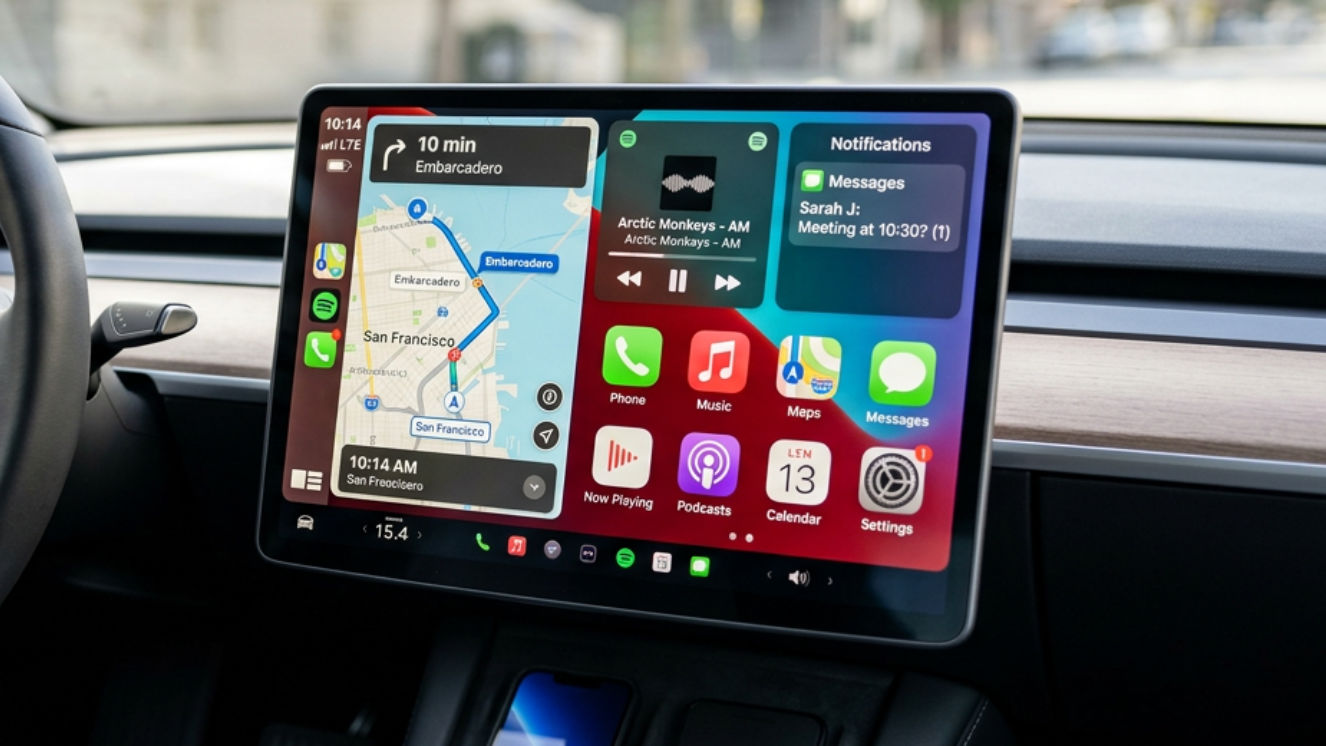
No. Tesla does not have CarPlay, and it does not have Android Auto. A phone cable does not turn the screen into an Apple menu. There is nothing to switch on in the car settings.
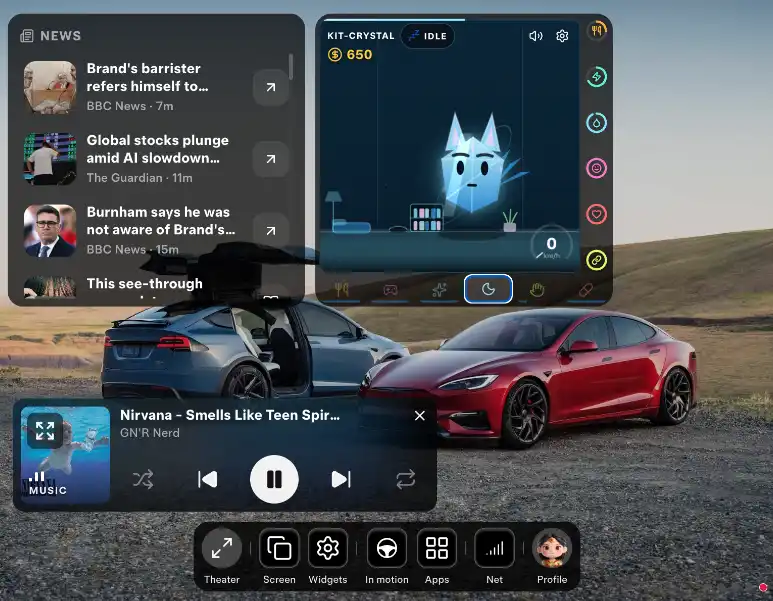
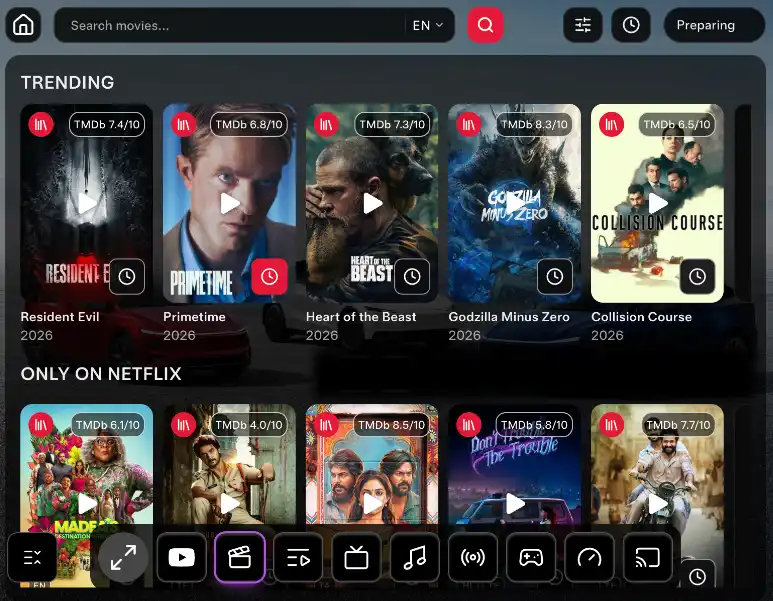
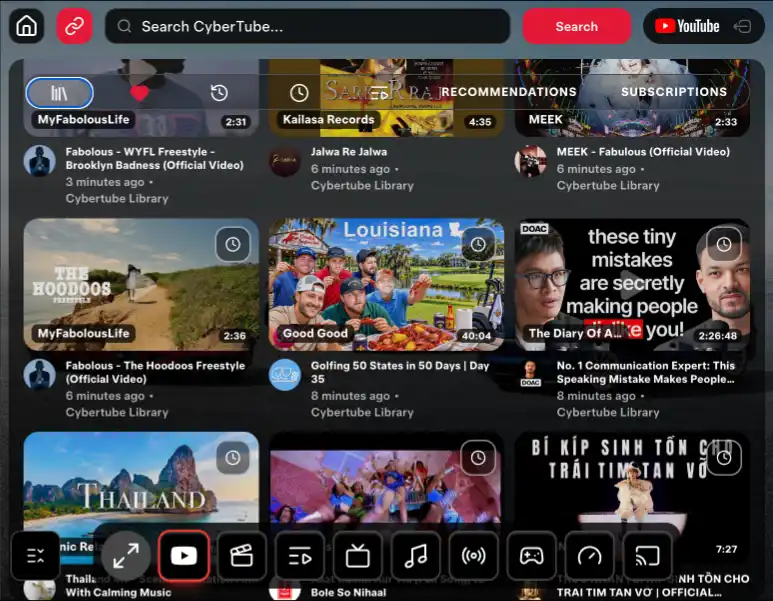
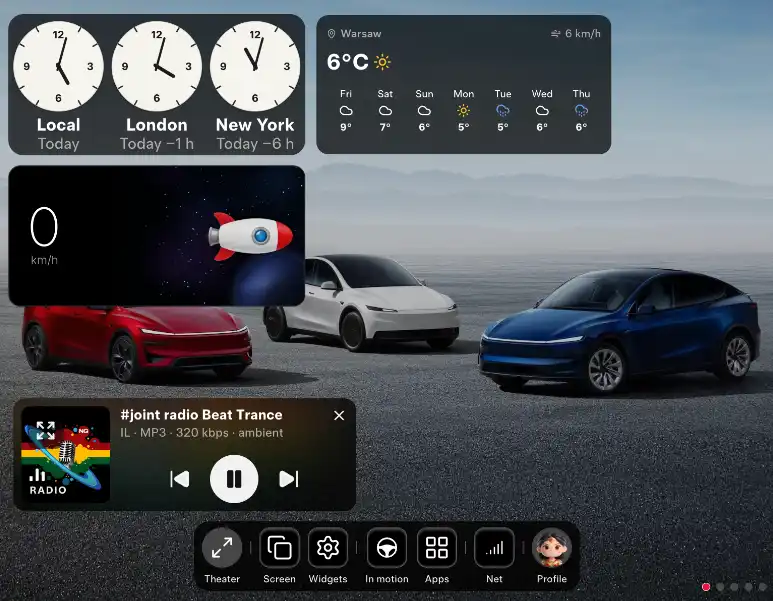
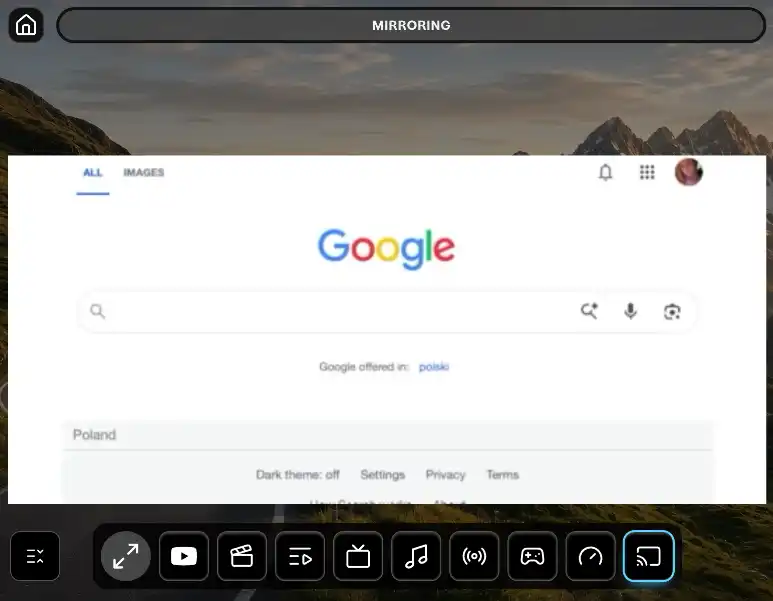
You can still put more on that screen than CarPlay would have. CyberDash opens in the browser the car already has. YouTube, your IPTV, movies, console games, internet radio, and SoundCloud sit on one dashboard. If you want the phone itself up there, the CyberDash app mirrors the iPhone or Android screen onto the Tesla display. Maps, messages, the app you already opened.
CarPlay does not come with this car
CarPlay is a short menu Apple draws for other cars: maps, calls, music, and the apps Apple allows. Tesla never added it. The thing people buy instead is a dongle. Another box, another setup, and YouTube still is not on the Tesla screen.
Skip the box. Open https://www.cyberdash.net/ in the Tesla browser and sign in. Nothing is installed in the car. There is no jailbreak. The warranty stays.
CyberDash is the better screen
CarPlay would have given you a phone menu. CyberDash gives you the car screen, and it does more than that menu ever would.
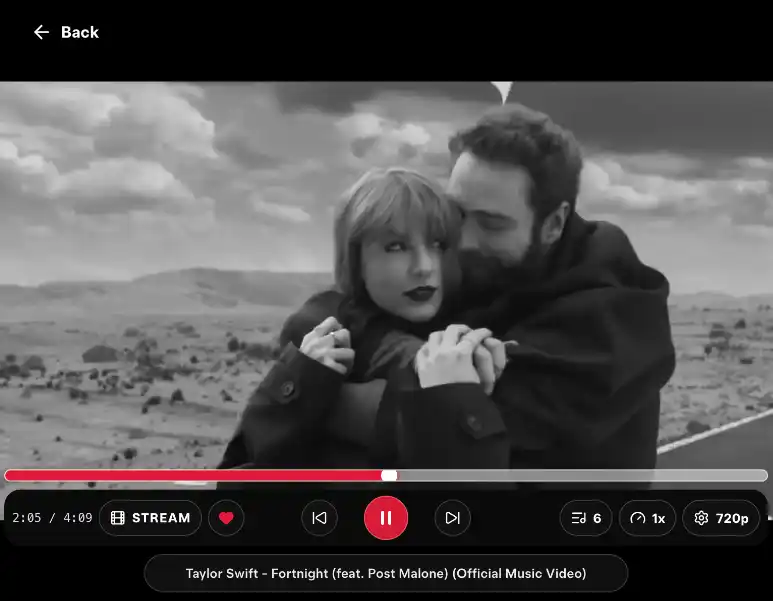
- YouTube on the Tesla screen. CyberTube uses the YouTube account you already have. Pro keeps it up while the car is moving. CarPlay does not play YouTube there.
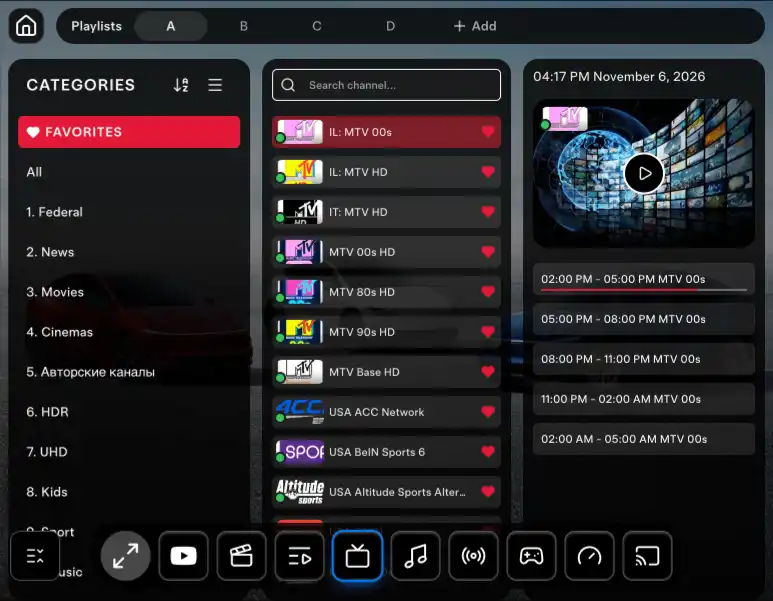
- Your own IPTV. CyberTV plays the M3U playlist you add. CarPlay has no player for your channels, and CyberDash does not sell you a TV package.
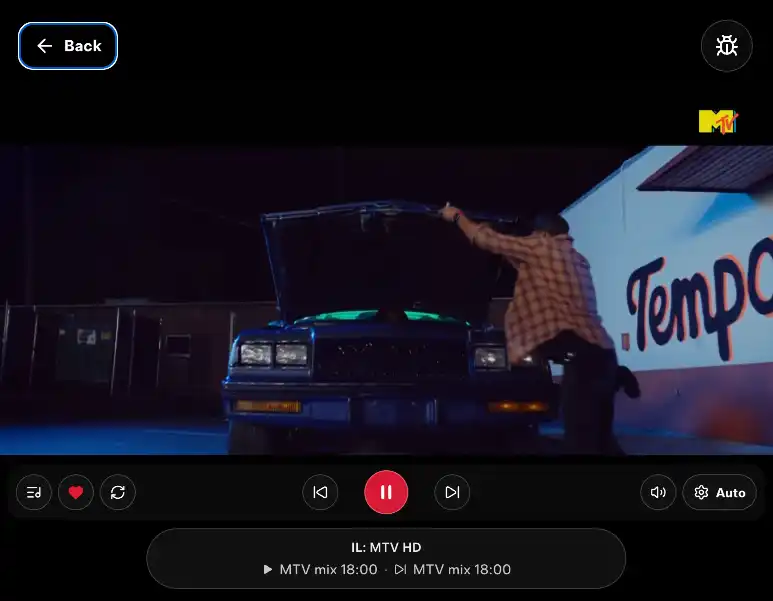
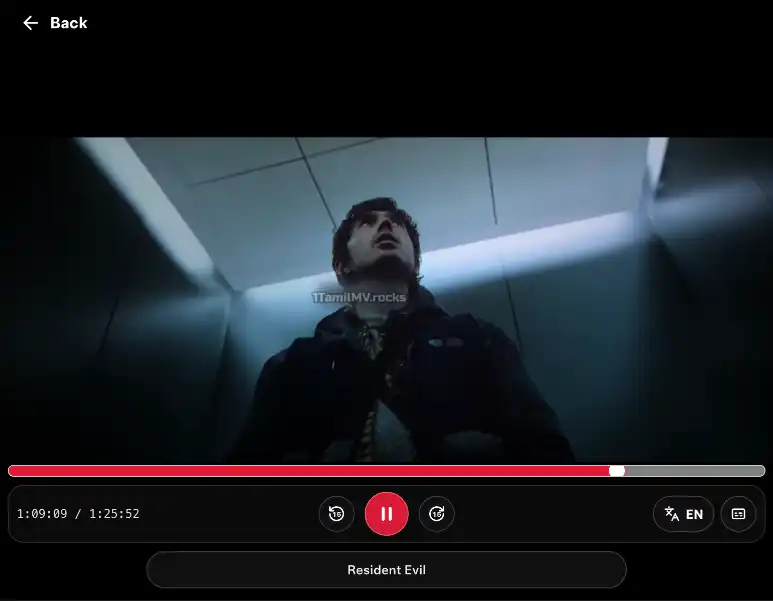
- Movies on the same screen. CyberCinema is the film library in the dashboard, in motion with Pro. CarPlay will not run a film library on a Tesla. It is not a Netflix login.
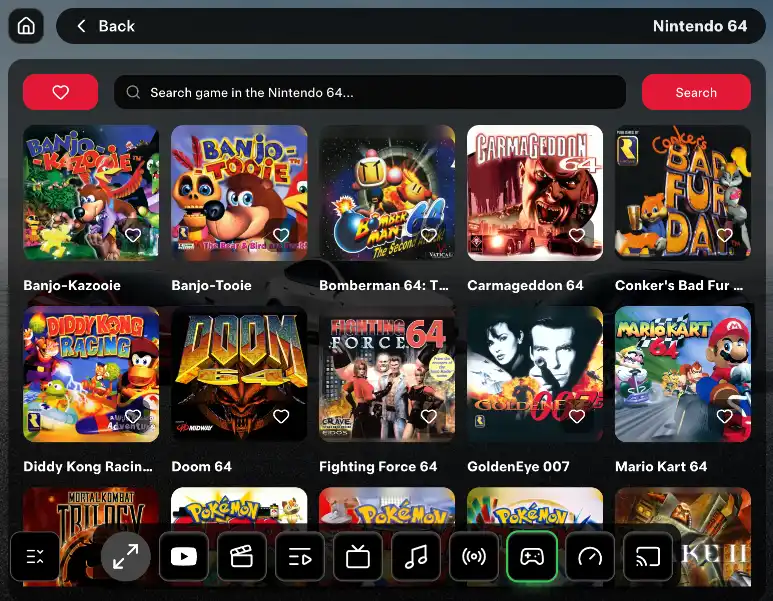
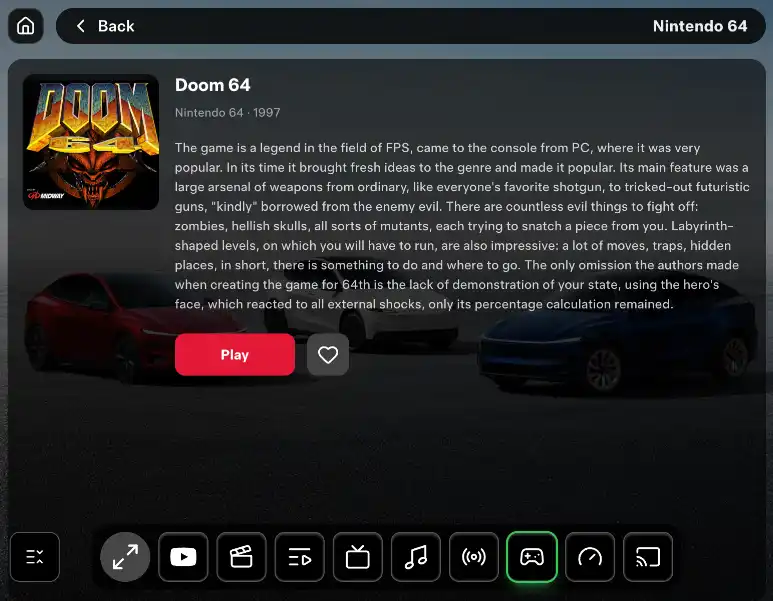
- Console games, including GTA Vice City, in motion with Pro. CyberGames is on the Tesla display. CarPlay is not a console there, and Game Pass is not included.
- Internet radio and SoundCloud. CyberRadio browses stations by genre and country, including while the car moves. SoundCloud brings your tracks, likes, and playlists. You do not wait for Apple to allow the app.
- The whole phone, not Apple's cut-down menu. Mirroring shows the iPhone or Android screen itself: maps, messages, video, whatever you opened. CarPlay would have hidden the rest.
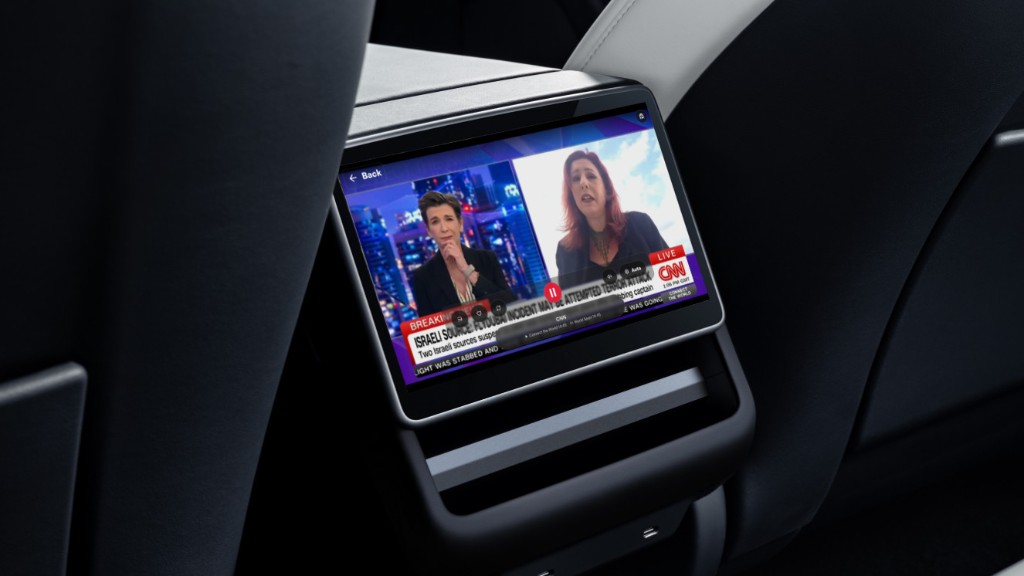
- The rear screen for passengers. Park, press full screen on the dashboard, open Tesla Theater in the back. They keep CyberDash after you drive, even if the front screen closes. CarPlay does not reach the rear display.
- No dongle, no Fire Stick, no HDMI box, no phone mount. The screen the car already has is the display. Web apps need no phone. Mirroring uses the phone you already carry.
- Try it before you pay. 24 hours after sign-up, then Pro at $11.99 a month or $99.99 a year. That covers the apps, wallpapers and avatars, video in motion, and console games in motion.
Open it
Do this in Park first, so you can see the picture. The apps live in the browser. The phone mirror starts from the phone app.
- Open the Tesla browser and go to https://www.cyberdash.net/. Create an account. The 24-hour test starts there.
- YouTube, IPTV, movies, games, radio, and SoundCloud open from the dashboard. Those do not need the phone.
- To put the phone on the screen, install the CyberDash app and start mirroring from the phone. iPhone uses TestFlight: https://testflight.apple.com/join/W4Hfdbvk. Android uses the APK: https://drive.google.com/drive/folders/1xwyT-uvNbUGahKQmf1nWdee2IibFL44G.
- Rear screen: stay in Park, press the full-screen button on the dashboard, then open Tesla Theater on the rear display.
On the road
Pro keeps YouTube, IPTV, movies, and console games available after you leave Park. A mirrored phone can stay on the display too. You need internet in the car. Watching video, games, or a mirrored screen at the wheel is unsafe. Use it when that is legal and you can watch the road. Passengers can use the screen, including the one in the back. The driver watches the road.
It runs on Model 3, Model Y, Model S and Model X from 2021, and Cybertruck. Hardware 3 and Hardware 4 on AMD Ryzen are the best fit. Intel cars run it too, a little slower. One account. No second box for a different model.
FAQ: CarPlay and CyberDash
Does Tesla have CarPlay?
No. Tesla has no CarPlay and no Android Auto. A cable or a dongle is how people try to fake it. CyberDash uses the browser the car already has.
Is CyberDash better than CarPlay?
On a Tesla, yes. CarPlay would be a short phone menu, and the car does not include it. CyberDash puts YouTube, your IPTV, movies, console games, radio, and SoundCloud on the screen, and it can mirror the whole phone. No dongle.
Do I need a CarPlay adapter?
No. You do not add a dongle, a Fire Stick, an HDMI box, or a dash mount. The web apps open in the Tesla browser. Mirroring starts from the CyberDash app on iPhone or Android.
Can I see maps and messages?
Yes, by mirroring. The Tesla screen shows the iPhone or Android screen itself, so maps, messages, and any open app can stay up. That is the phone, not a CarPlay layout.
Does it work on the rear screen?
Yes, on cars with a rear display. Park, press full screen on the CyberDash dashboard, and open Tesla Theater in the back. Passengers can keep it after you drive. The driver watches the road.
How much is it?
After sign-up you get 24 hours of test access. Then Pro is $11.99 a month or $99.99 a year. That includes the web apps, wallpapers and avatars, video in motion for YouTube, IPTV, and movies, and console games in motion.