
Front and rear Tesla screens
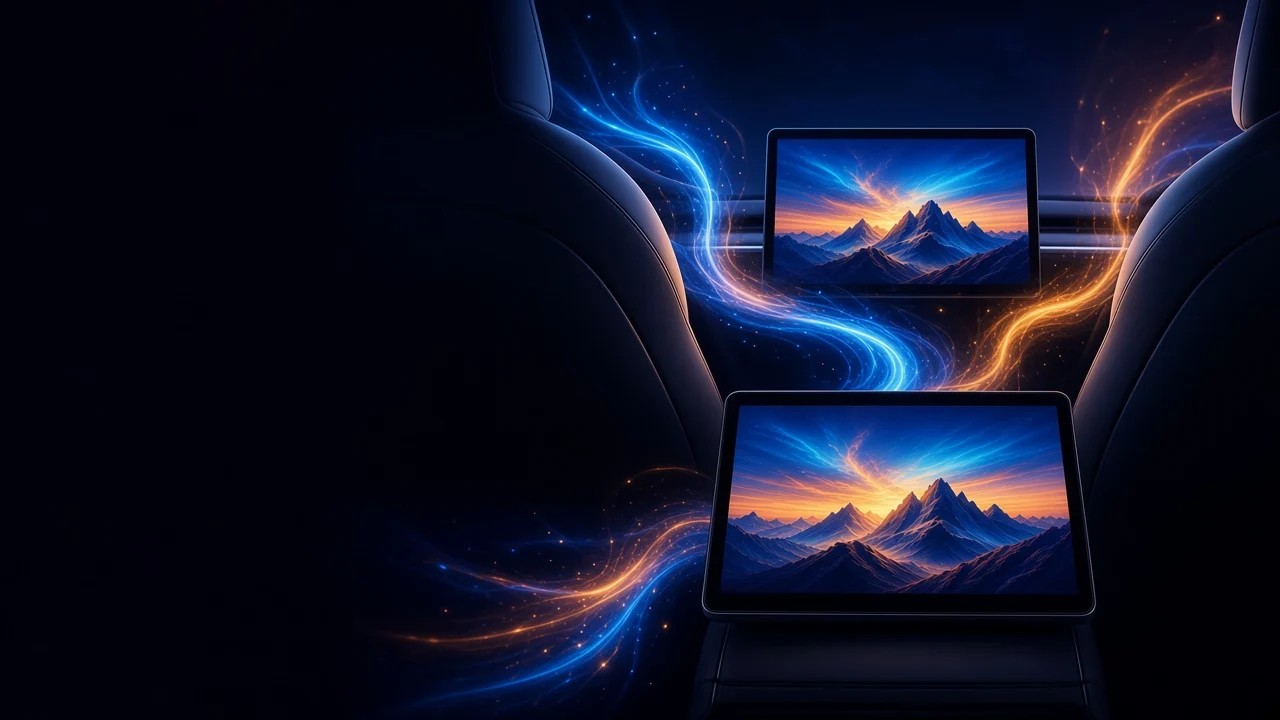
CyberDash on the main Tesla screen and on the rear screen. Same account, same apps, two displays.
24h free · then $11.99/mo or $99.99/yr


What you can do on two screens
On the main Tesla screen
Open CyberDash on the front display the car already has. Movies, series, YouTube, IPTV, games, radio and SoundCloud run in Tesla’s browser.On the rear Tesla screen
On a Tesla with a rear display, passengers get the same CyberDash dashboard in the back. The rear screen is for the people sitting there.Same apps on both screens
CyberCinema, TV Shows, CyberTube, IPTV, CyberGames, CyberRadio, SoundCloud and mirroring are the same apps on the front screen and the rear screen.One account, no extra box
Both screens use the CyberDash account you already have. Nothing is installed in the car. No Fire Stick, HDMI box, or second device.
Both Tesla screens
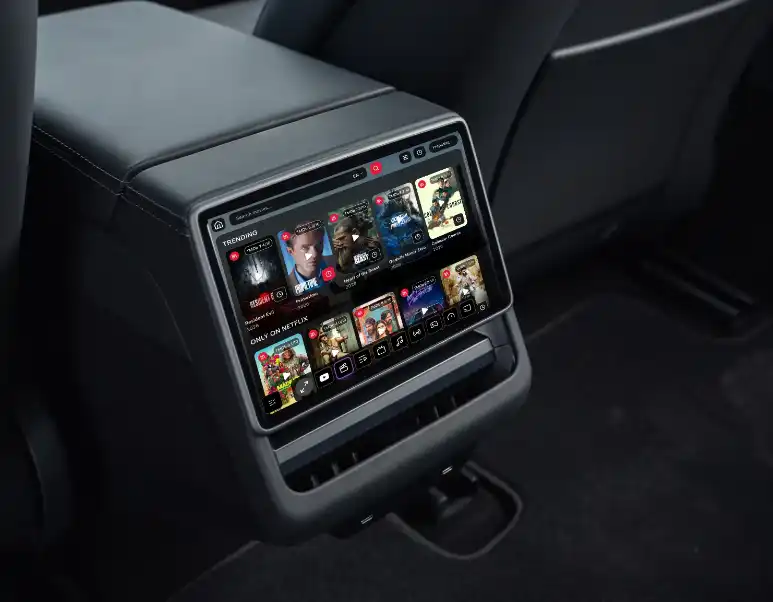
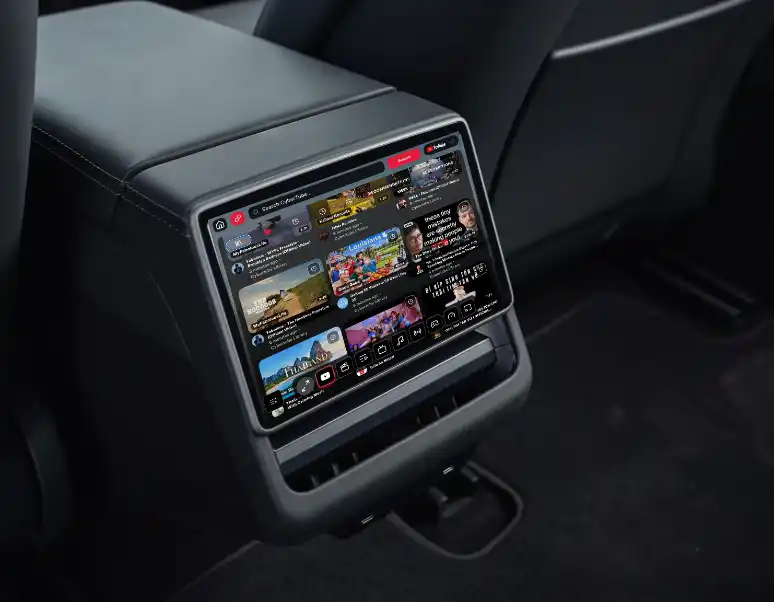
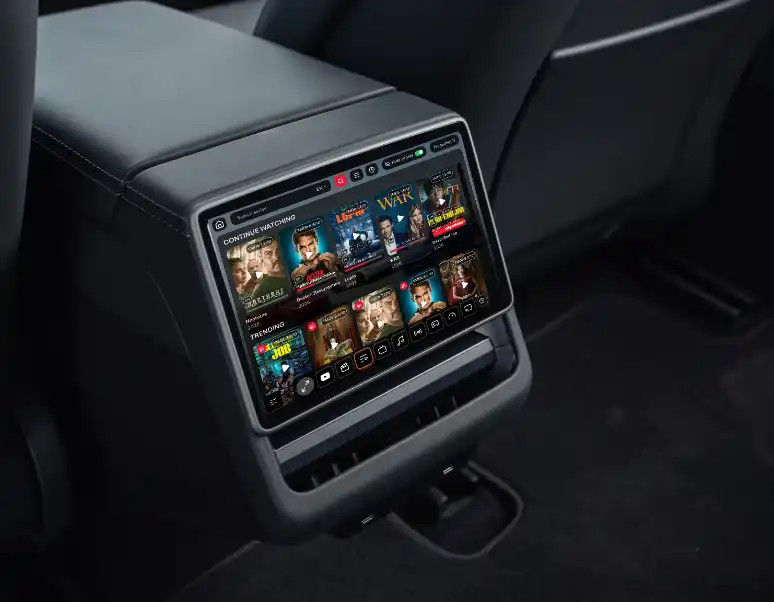
Watching or playing while you drive is unsafe. Use the front display only when that is legal and you can keep your attention on the road. Passengers watch. The driver watches the road.
How CyberDash uses both screens
- 1Both screens
CyberDash runs on the two displays the car already has. The front screen is the main Tesla display. The rear screen, on a Tesla that has one, is for passengers. You open CyberDash in the browser Tesla already gives you. You do not add a Fire Stick, an HDMI box, a phone mount, or any other device.
- 2The main screen
On the front screen, the center display is where you open CyberDash. Movies, TV shows, YouTube, IPTV, console games, radio, SoundCloud and phone mirroring sit on that dashboard. Use the front screen only when it is legal and you can keep your attention on the road. The driver watches the road.
- 3The rear screen
The rear display is the passengers’ screen. They get the same CyberDash dashboard and the same account, not a different app. It is there for the people in the back for the trip. The steps to open the rear screen are in this guide: https://info.cyberdash.net/en/blog/how-to-run-cyber-dash-on-the-rear-screen/
- 4One account
Front and rear use the CyberDash account you already signed in with. The rear screen does not need its own login or its own box. Nothing is installed in the car. There is no jailbreak, and opening CyberDash on either screen does not void the warranty.
- 5On the road
Passengers can keep CyberDash on the rear screen for the trip. Watching or playing while you drive is unsafe. Use the front display only when that is legal and you can keep your attention on the road. Passengers watch. The driver watches the road.
Front and rear FAQ
Does CyberDash work on the main Tesla screen?
Yes. The front display runs CyberDash in Tesla’s browser: movies, series, YouTube, IPTV, games, radio, SoundCloud and mirroring.
Does it work on the rear screen too?
Yes, on a Tesla that has a rear display. Passengers get the same dashboard and the same account.
Where are the steps to open the rear screen?
The click-by-click guide is here: https://info.cyberdash.net/en/blog/how-to-run-cyber-dash-on-the-rear-screen/
Do I need a second device for the rear screen?
No. Both screens are the ones the car already has. No Fire Stick, HDMI box, or extra hardware.
Can the driver watch the front screen while driving?
Watching or playing while you drive is unsafe. Use the front screen only when it is legal and you can keep your attention on the road. The rear screen is for passengers. The driver watches the road.
Both Tesla screens, one account
Open CyberDash on the front screen
24 hours free. Then from $8.33/mo.