
Guides for the Tesla browser
How to use CyberDash in Tesla’s native browser — without a Fire Stick, an HDMI box, or a jailbreak. Open cyberdash.net on the screen the car already has.
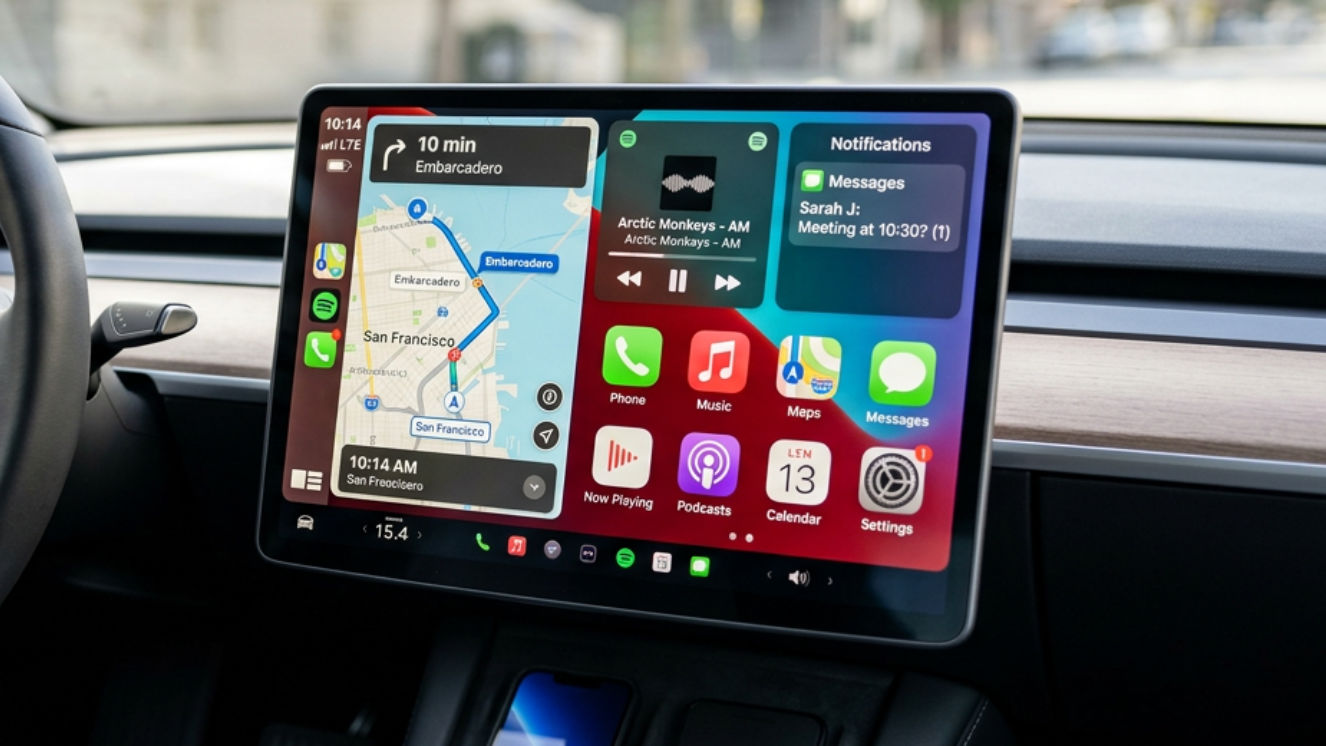
Does Tesla have CarPlay? CyberDash does more
Tesla has no CarPlay and no Android Auto. CyberDash puts YouTube, IPTV, movies, games, and your phone on the screen. No dongle. Better than a CarPlay box.
Read the guide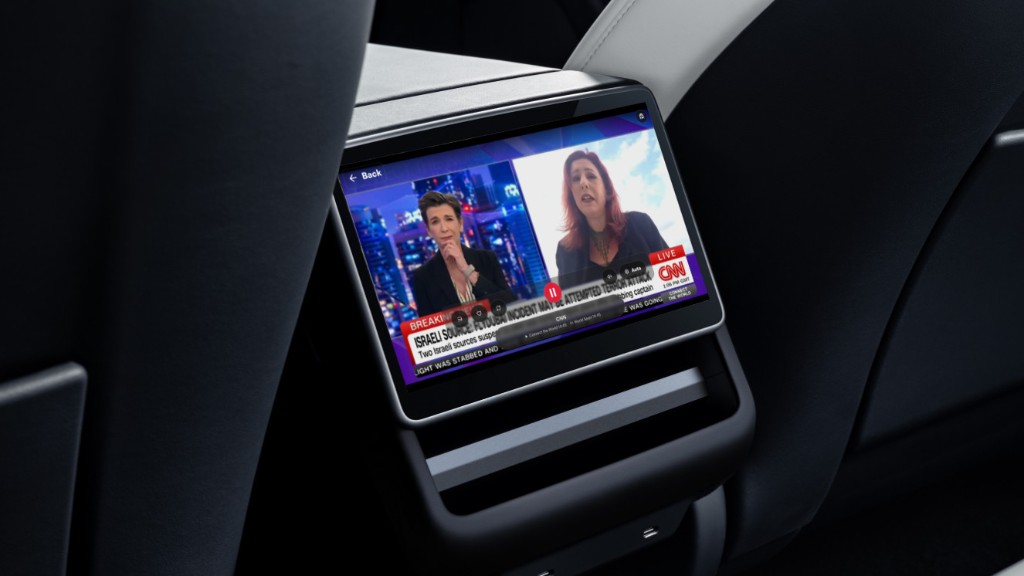
Tesla Theater: CyberDash on the rear screen
Park, tap full screen on the dashboard, then open Tesla Theater in the back. Passengers keep YouTube, IPTV and movies after you drive off.
Read the guide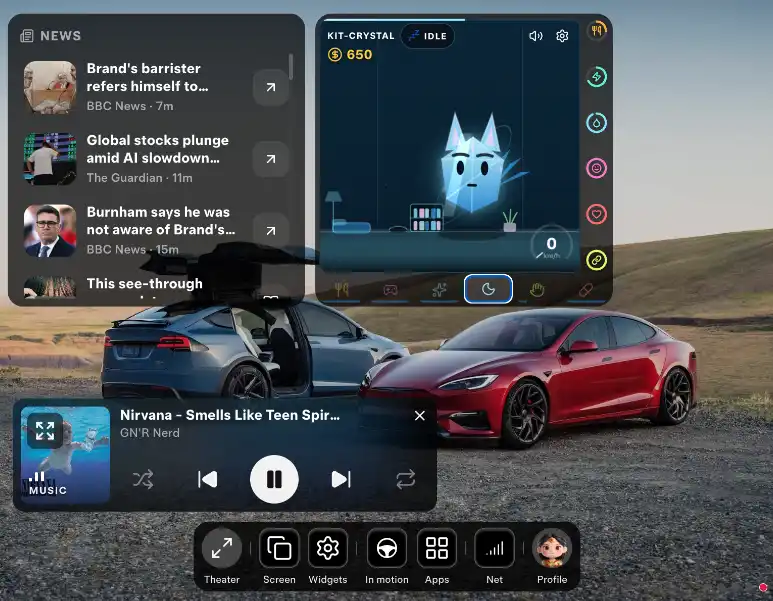
How to put SoundCloud on your Tesla screen
Sign in inside the Tesla browser. Your likes and playlists stay on the screen while the car moves. No Fire Stick. SoundCloud Go is separate.
Read the guide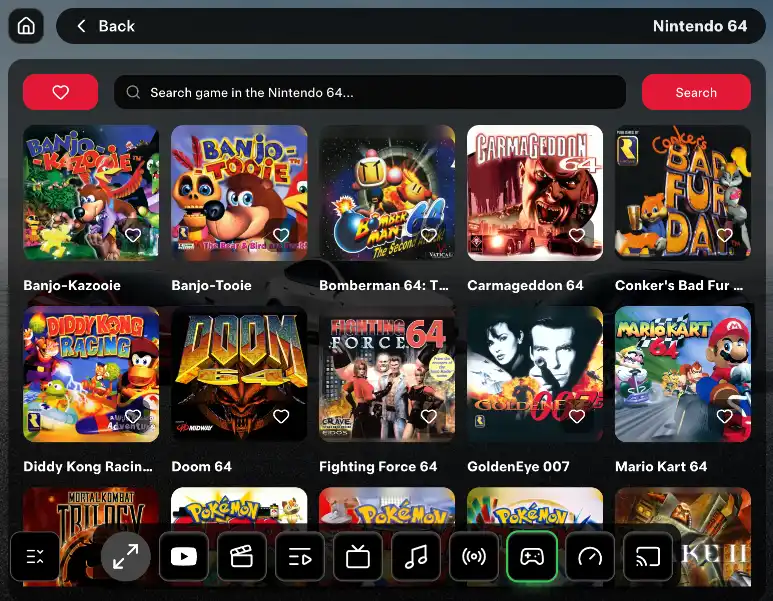
Play GTA and console games on a Tesla screen
GTA Vice City and older console games open in the Tesla browser. Pro keeps them on for the drive. Nothing to plug in.
Read the guide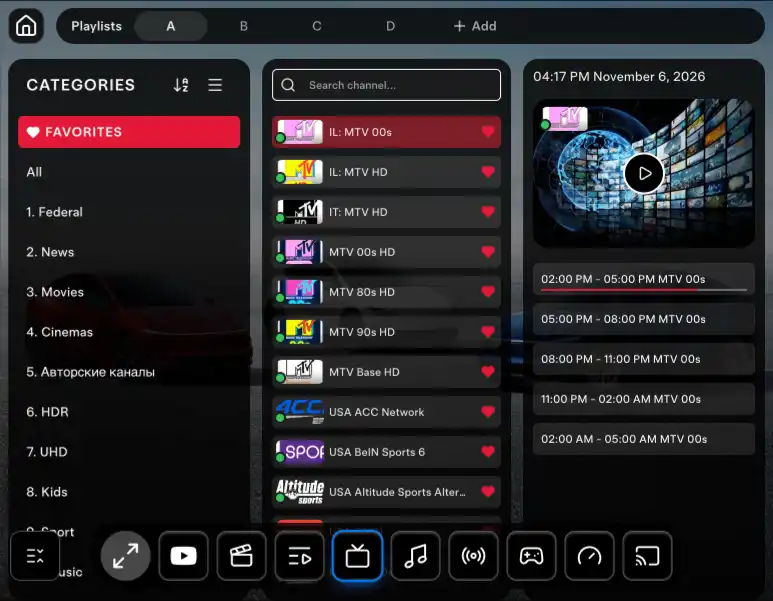
How to run IPTV in a Tesla with your M3U
Paste the playlist you already pay for. CyberTV plays live channels in the Tesla browser, and Pro keeps them on while you drive.
Read the guide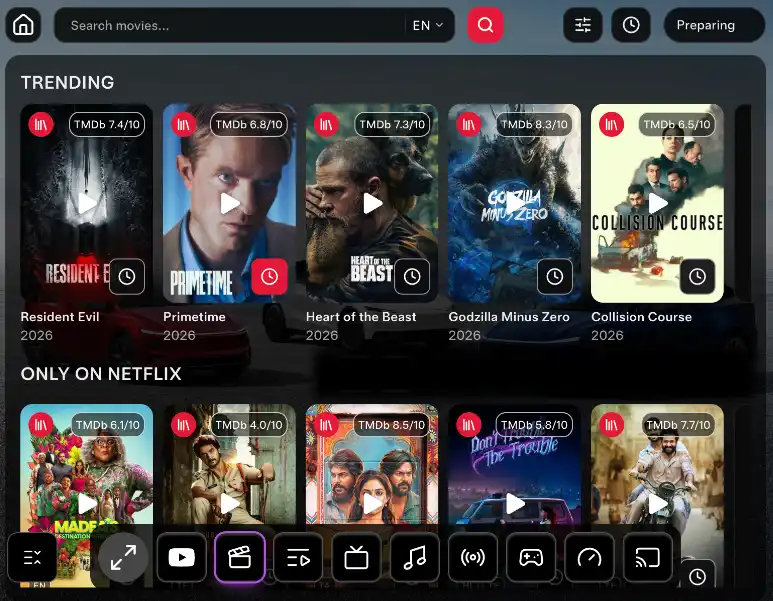
How to watch movies in a Tesla on the road
CyberCinema puts a film library on the Tesla screen. Pro keeps it playing after you leave Park, including for passengers in the back.
Read the guide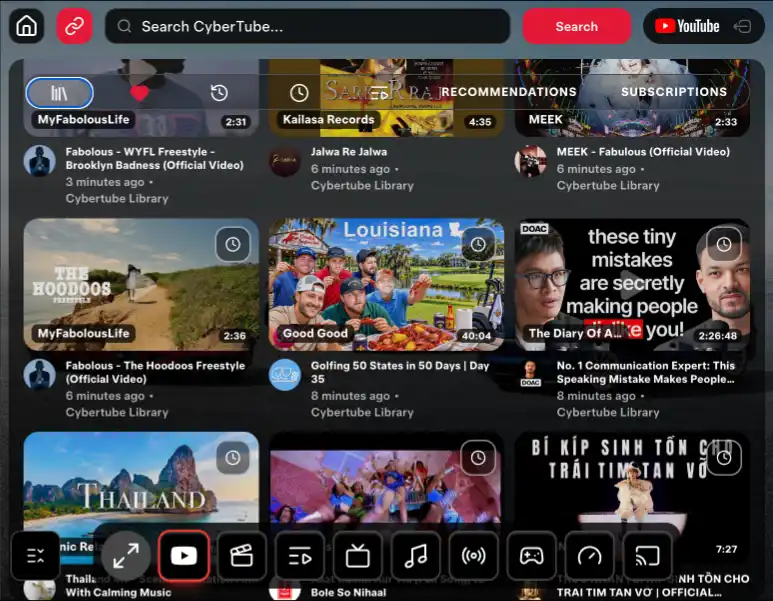
How to watch YouTube in a Tesla without a stick
Open the Tesla browser, start CyberTube while parked, and Pro keeps YouTube on for the drive. Rear screen included. 24-hour test.
Read the guide