

SoundCloud on the Tesla screen
Listen to SoundCloud on Tesla’s built-in screen. Tracks, likes and playlists open on the car display, not on a phone mount.
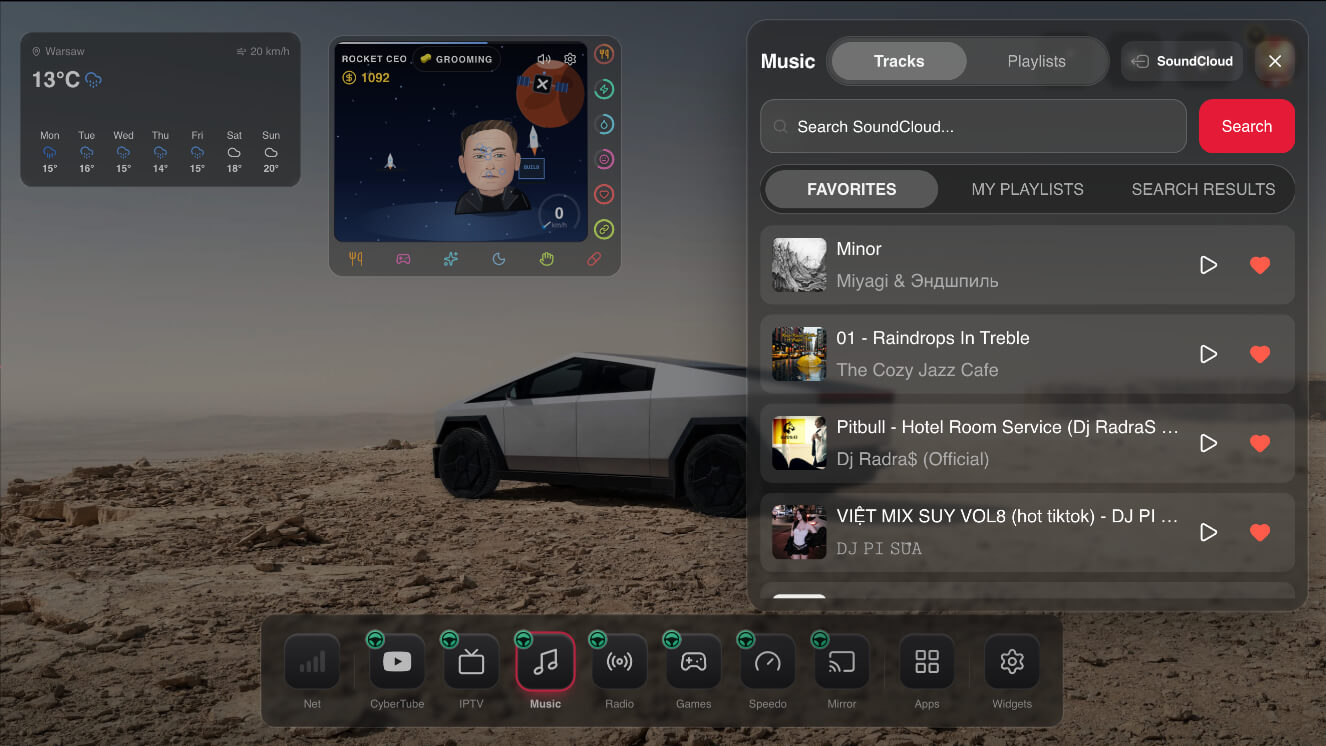
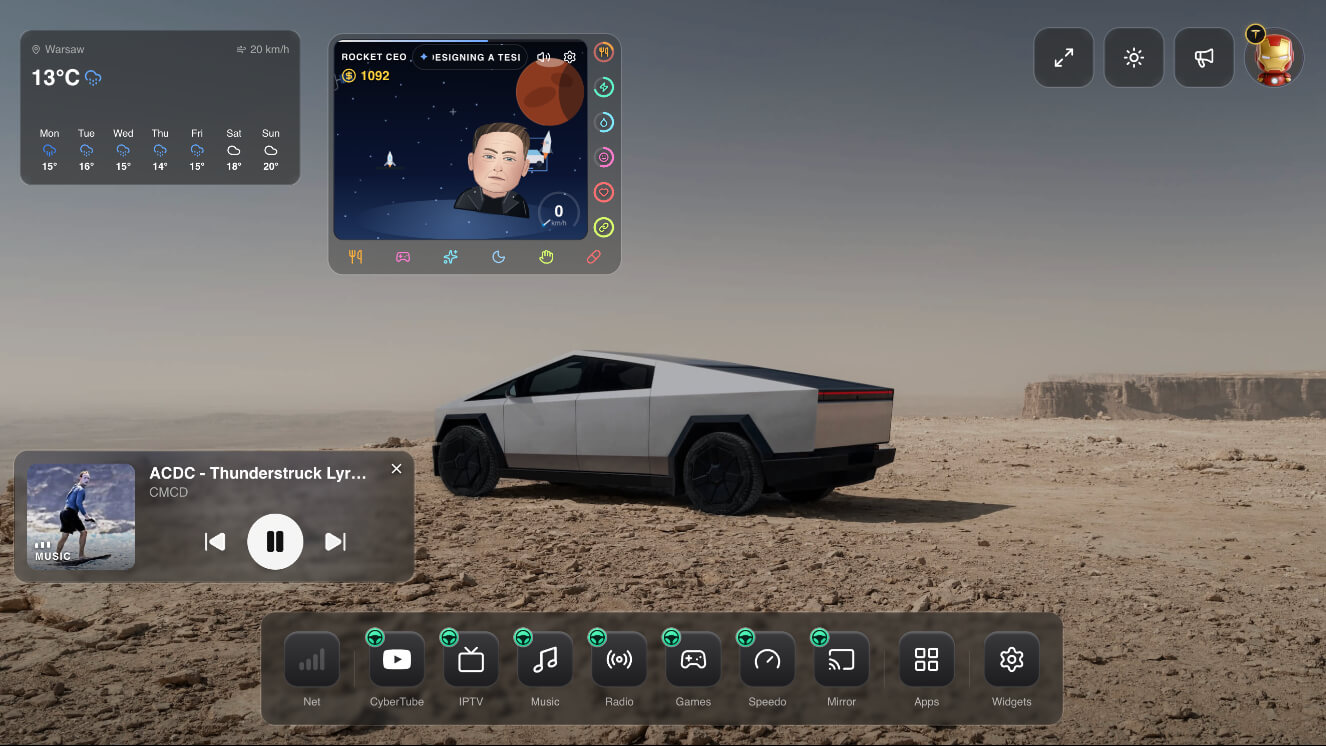
SoundCloud is a Cyber Dash web app that puts your tracks, likes and playlists on Tesla’s built-in screen. You open it in the car’s native browser — the same one Tesla already gives you. You do not add a Fire Stick, a phone mount, or any extra hardware.
Open the library you already use: tracks you follow, likes and playlists. Start a track from the Tesla display and keep listening next to YouTube, IPTV and radio.
It works on Model 3 / Y, Model S / X 2021+, and Cybertruck. SoundCloud in motion stays available while you drive. Keep your attention on the road.
Listen to SoundCloud on Tesla’s built-in screen. Tracks, likes and playlists open on the car display, not on a phone mount.
Open likes and playlists from the Tesla dash. Play the tracks you already follow without leaving Cyber Dash.
SoundCloud is a web app in Tesla’s native browser. Nothing to install in the car, no extra gadget and no sideloaded apps.
SoundCloud in motion stays on while the car is moving. Listen from the Tesla screen and keep your attention on the road.
No. The SoundCloud app on Cyber Dash plays tracks, likes and playlists on the Tesla screen. Sign in with the SoundCloud account you already have.
No. SoundCloud is a web app in Tesla’s native browser. No Fire Stick, phone mount, or extra box.
Yes. SoundCloud in motion stays available. Keep your attention on the road.
Model 3 / Y, Model S / X 2021+, and Cybertruck. You open it in the car’s native Tesla browser.
Open cyberdash.net in Tesla’s browser, create an account, and SoundCloud is on the dashboard: tracks, likes, playlists, and SoundCloud in motion.
SoundCloud in motion for Tesla runs in the native browser. The same dashboard also has YouTube, IPTV, cloud gaming and radio. Nothing extra to install.
Open Tesla’s native browser.
Go to cyberdash.net.
Create an account. You get 24 hours of test access.
Open the apps on the dashboard — CyberTube, CyberTV, and the rest.
Join our Discord channel to stay updated and follow the project's progress

100% safe web-app running in the native Tesla browser.