
YouTube, IPTV and apps in Tesla’s native browser Even in Drive.
Your Tesla is now a cinema: movies, TV shows, YouTube and IPTV on front and rear screens.

your phone
Theater stops when you drive. CyberDash keeps going.
Start a movie at the Supercharger, shift into D — your passengers keep watching. Same screen, same session, nothing to plug in.
- Video pauses when you leave Park
- Fixed list of apps
- Front screen only on the move
- Typing on the car keyboard
- Keeps playing in Drive
- Movies, TV, YouTube, IPTV, games
- Front and rear screens
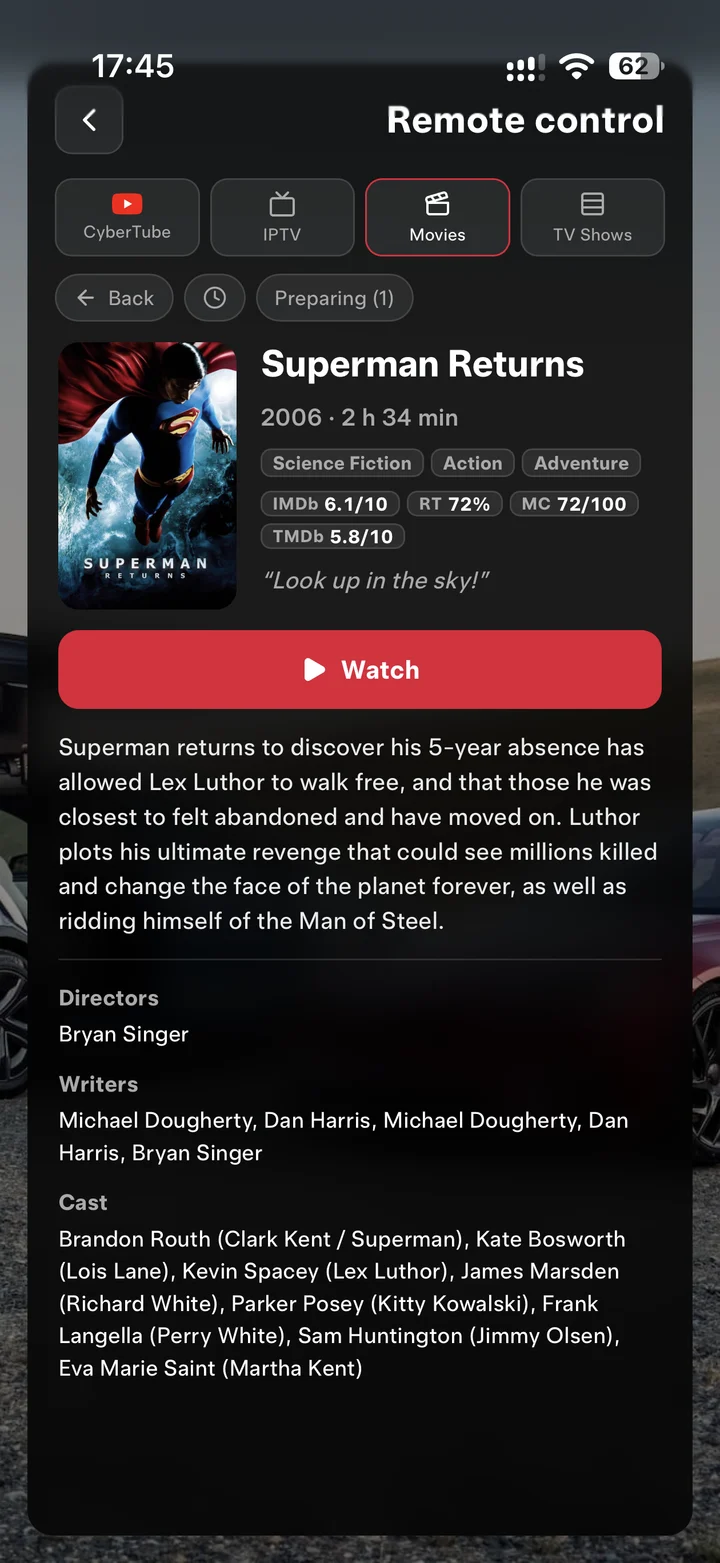
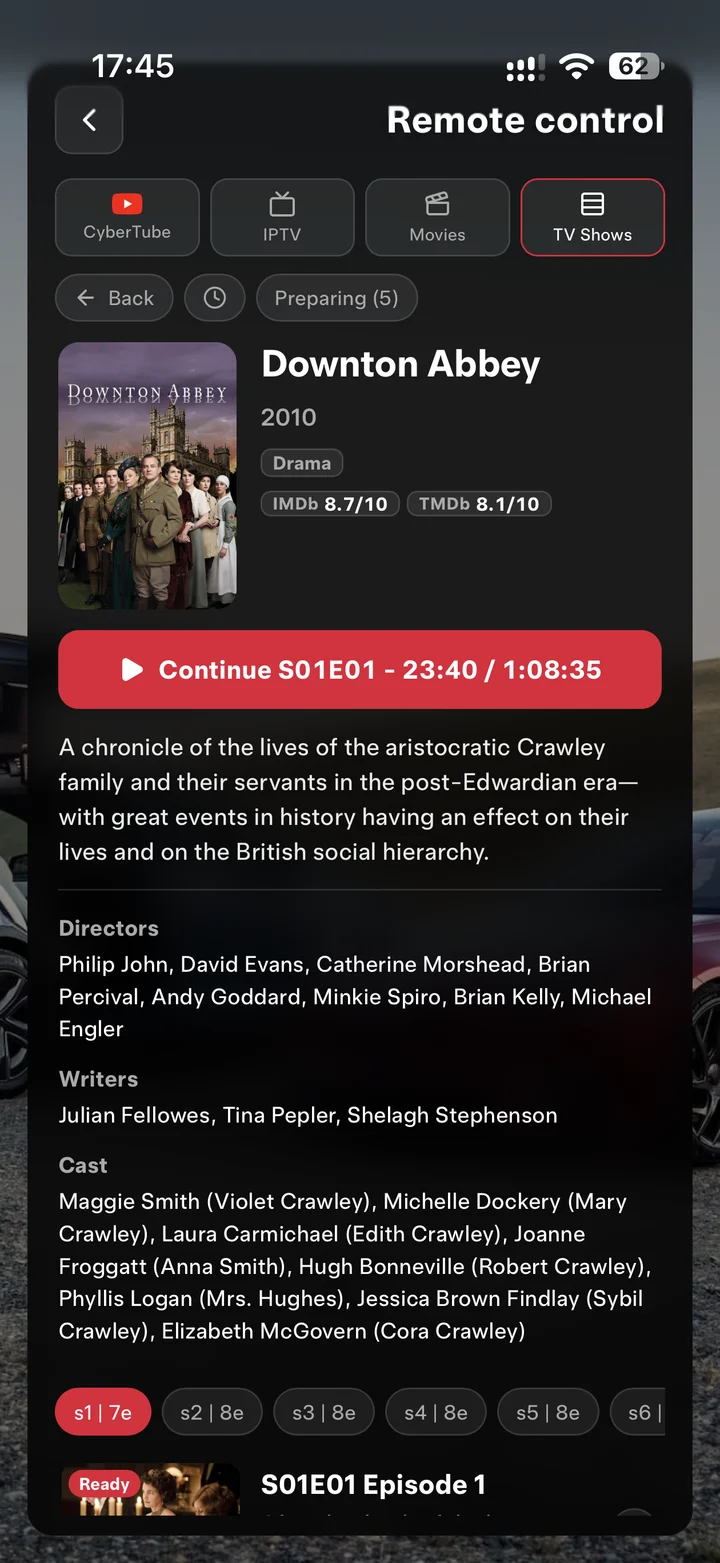
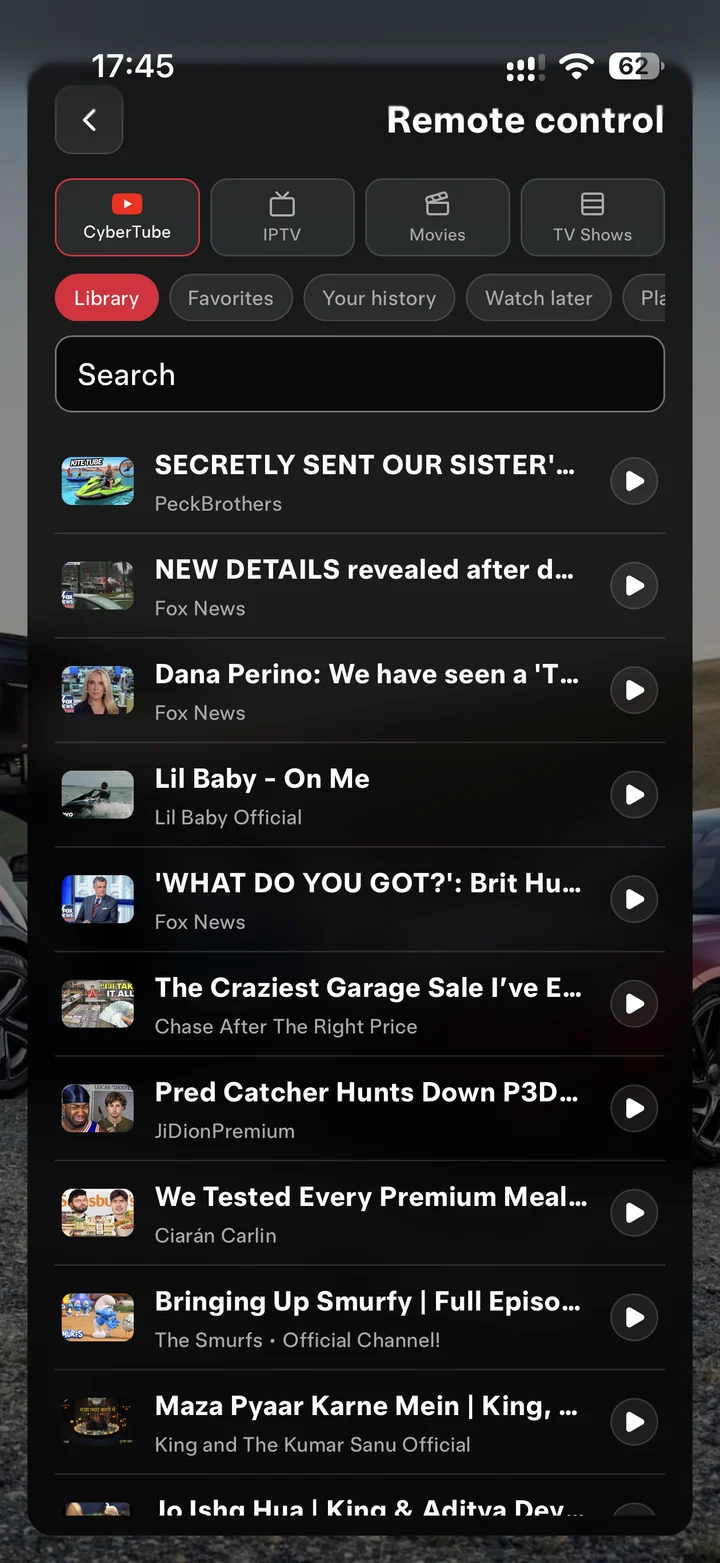
- Your phone is the remote
Maximize your experience All in Drive.
Movies in Tesla in motion
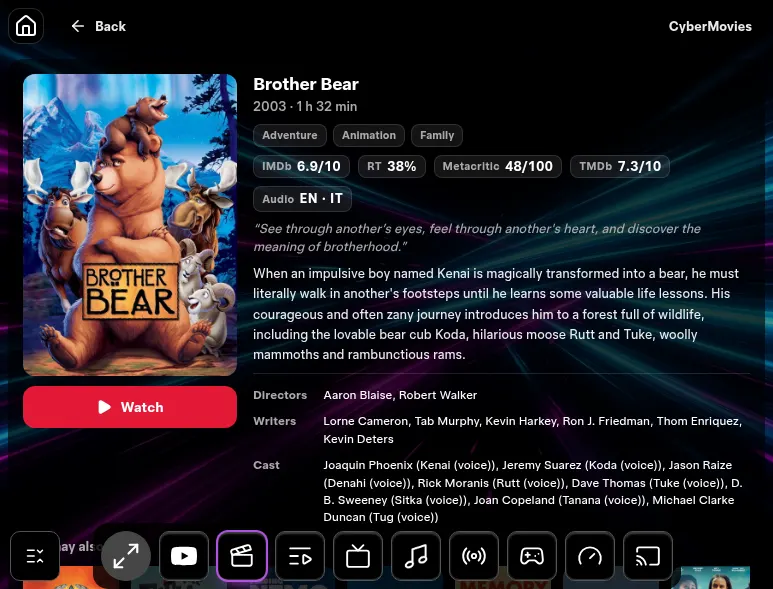
A large movie library is already on the display. Press Watch and play fullscreen.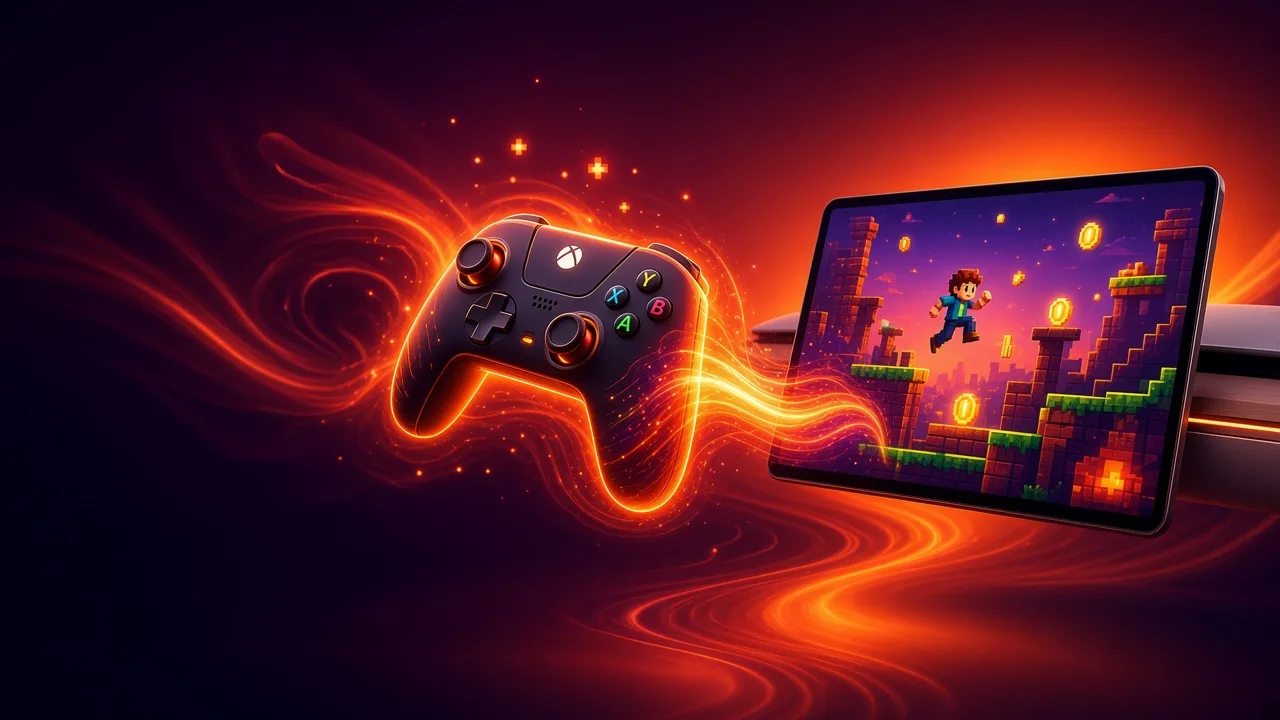



CyberGames
NES · SNES · N64 · PS · Sega and more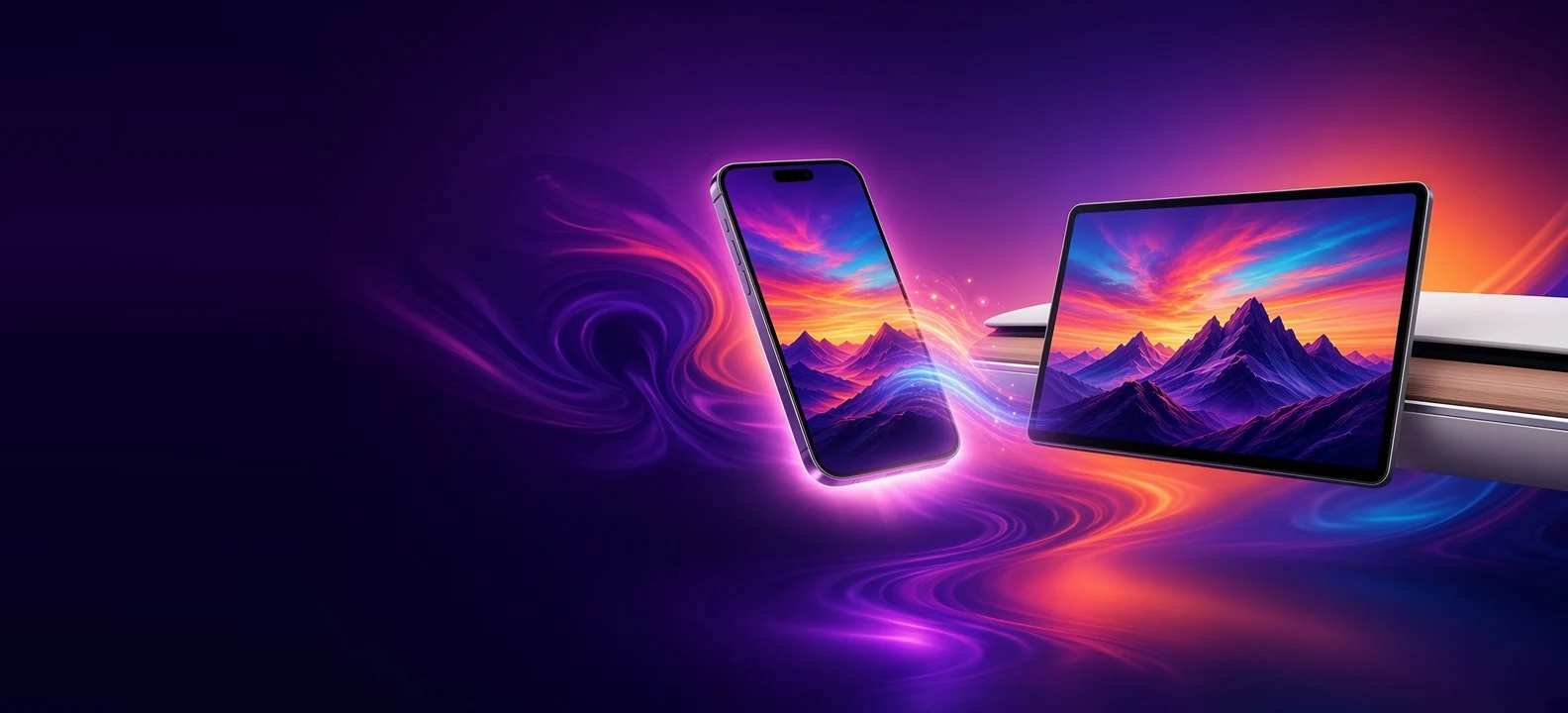





Mirroring
Phone on the big screen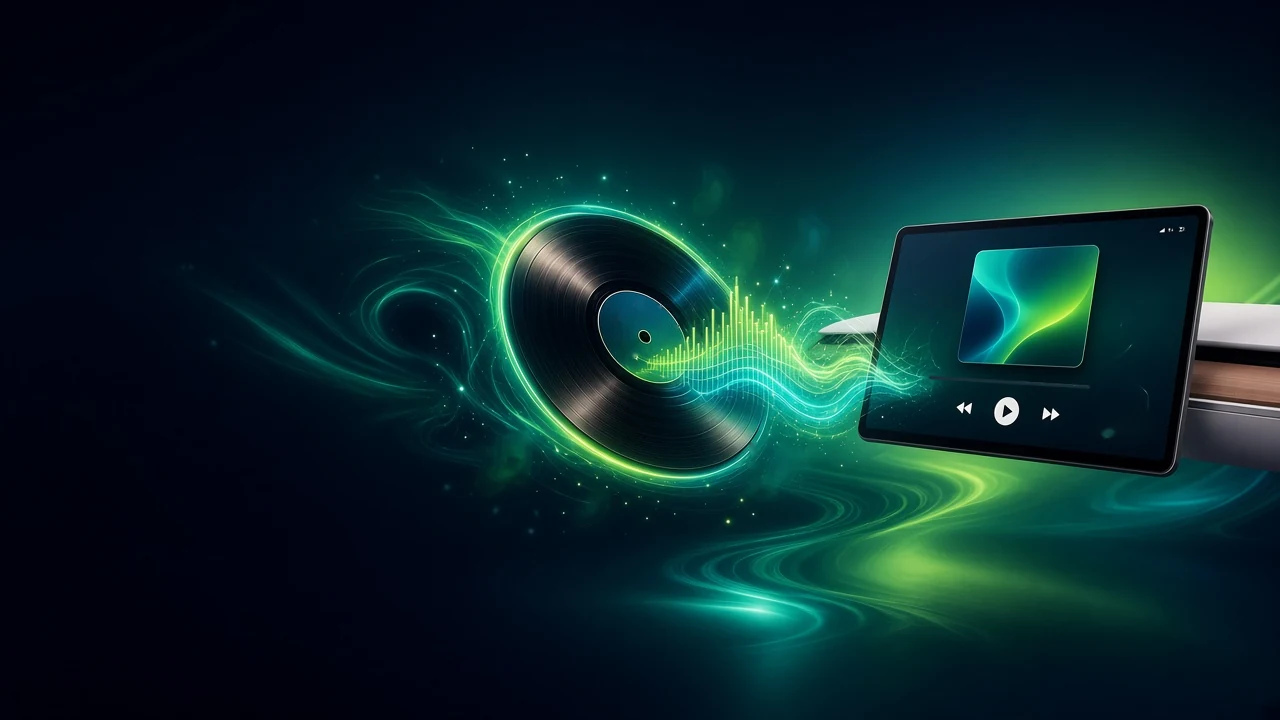







 ♪♫♪♬♪♪♫♪
CyberRadio · SoundCloud
Radio · SoundCloud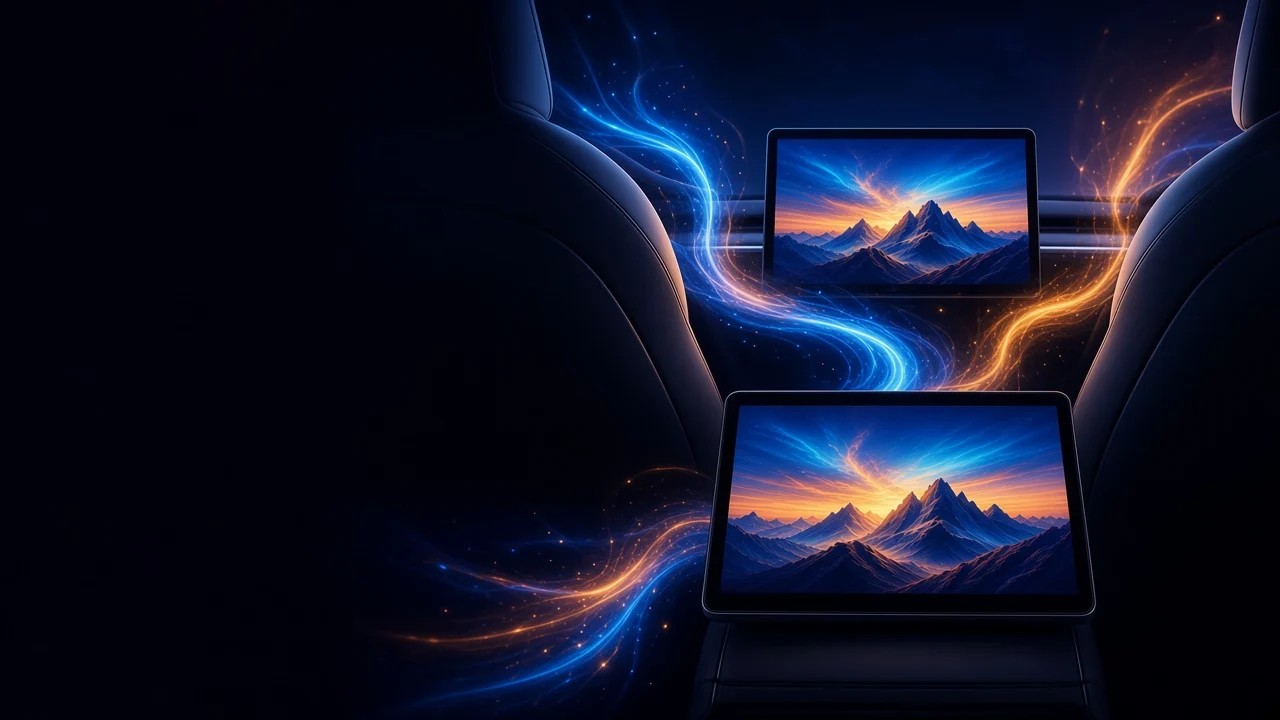


Front + rear
Two screens, two showsYour phone is the remote.
No typing on the car screen. Pick it on your phone — it plays in your Tesla.
- Search any titleMovies, Shows, IPTV, YT
- Add to libraryOne tap, synced
- Plays in the carFront or rear
- Every serviceAll supported apps
Start free. Keep watching.
24 hours of full access after sign-up. Cancel anytime in one tap.
Monthly
- Video in Drive
- Movies, TV, YouTube, IPTV
- Games, mirroring, music
- Front & rear screens
Yearly
- Everything in Monthly
- 2 road trips a year pay for it
- Save $44 a year
Secure checkout · Cancel anytime from your profile
How it works
Open Tesla’s native browser.
Go to cyberdash.net.
Create an account. You get 24 hours of test access.
Open the apps on the dashboard — CyberTube, CyberTV, and the rest.
Join our Discord channel to stay updated and follow the project's progress
Join our Discord channelNot a box. Not a jailbreak.
No hardware
It is not a Fire Stick, not an HDMI box, and not a CarPlay dongle.
No jailbreak
Nothing is installed in the car: no sideload, no custom firmware, no jailbreak.
Model 3/Y, S/X, Cybertruck
CyberDash works on Model 3 / Y, Model S / X 2021+, and Cybertruck. You open it in the car’s native Tesla browser.
US & EU servers
Fast streams on both continents.
FAQ
How do I start using CyberDash?
Open cyberdash.net in Tesla’s native browser, create an account, and the dashboard is ready. CyberTube, CyberTV and the other apps sit on that dashboard — nothing to install in the car.
Do I need extra devices?
No. CyberDash is a web app in Tesla’s built-in browser. You do not add a Fire Stick, an HDMI box, CarPlay hardware, or a phone mount for the apps on the dashboard.
Can I watch YouTube or IPTV while driving?
A Pro plan unlocks video in motion for YouTube and IPTV, so video can stay available while the car is moving. Watching while you drive is unsafe. Use it only when it is legal and you can stay focused on the road.
Which Tesla models does it work on?
CyberDash works on Model 3 / Y, Model S / X 2021+, and Cybertruck. You open it in the car’s native Tesla browser.
Is this a jailbreak? Does it void the warranty?
No. CyberDash runs in Tesla’s native browser. There is nothing to sideload, no custom firmware, and no extra box. It is a web app, not a hack of the car.
What does the Pro subscription include?
Pro is the CyberDash subscription. It includes web apps, personal apps, wallpapers and avatars, plus video in motion for YouTube and IPTV. Watching while driving is unsafe.
Do you provide IPTV channels?
CyberTV plays the M3U playlists you already use. You add your own live channels and playlists. CyberDash is the player on the Tesla screen, not an IPTV subscription.
How do I run CyberDash on the rear screen?
Park the car. On the CyberDash dashboard, press the full-screen button. Then open the Tesla Theater app on the rear screen. Passengers keep the full dashboard after you start driving, and after you close it on the front screen.
How do I cancel my subscription?
On the dashboard, tap the profile icon, then tap Unsubscribe.
Do I need internet in the car?
Yes. CyberDash is a web app. YouTube, IPTV, streaming and the other online apps need an internet connection in the Tesla.
Does it work on Intel and AMD Teslas?
The service is fully optimized for HW3 / HW4 on AMD Ryzen. On Intel it also runs and stays usable.
Can I mirror my phone to the Tesla screen?
Yes. Mirroring shows your iPhone or Android screen on Tesla’s display. Download the CyberDash app for iOS or Android — the session starts from that app. No Fire Stick or HDMI box.
Is there a 24-hour test?
Yes. After you create an account, you get 24 hours of test access in the Tesla browser. Then you activate a subscription to keep using CyberDash.
Your next drive starts tonight.
24-hour test access after sign-up. $99.99 / year · $11.99 / month