
Kick in Tesla in motion
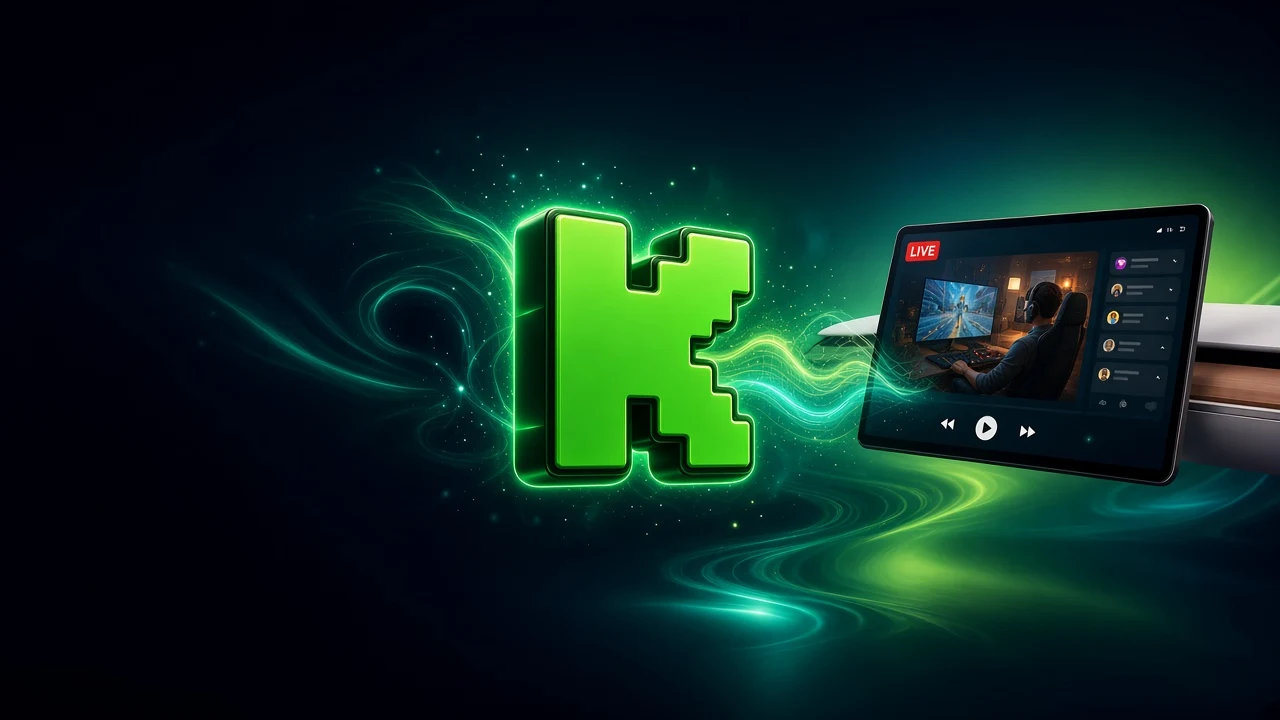
Kick live streams and chat on the Tesla screen — in the native browser the car already has, even in motion.
24h free · then $11.99/mo or $99.99/yr




What you can do with Kick
Kick live streams
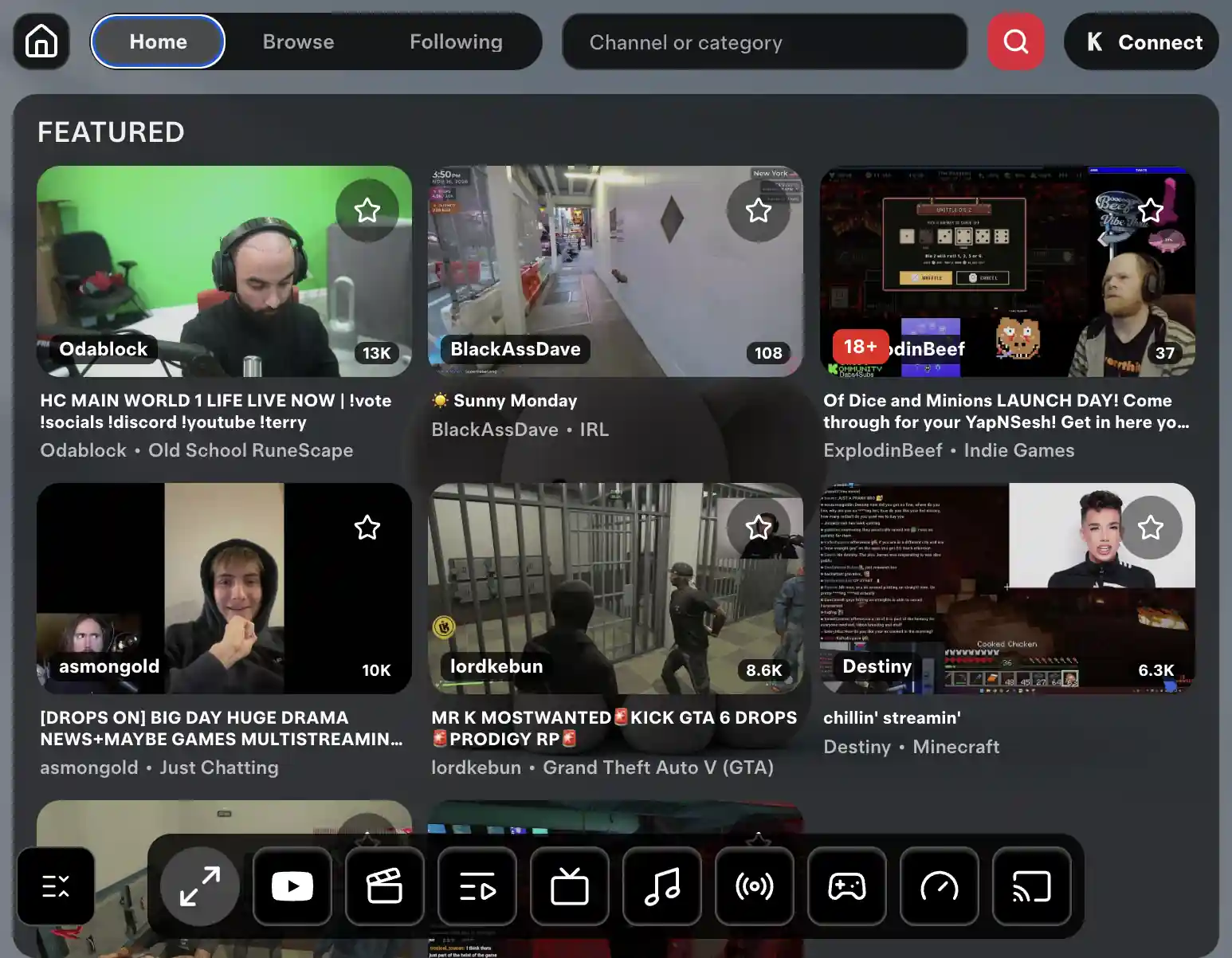
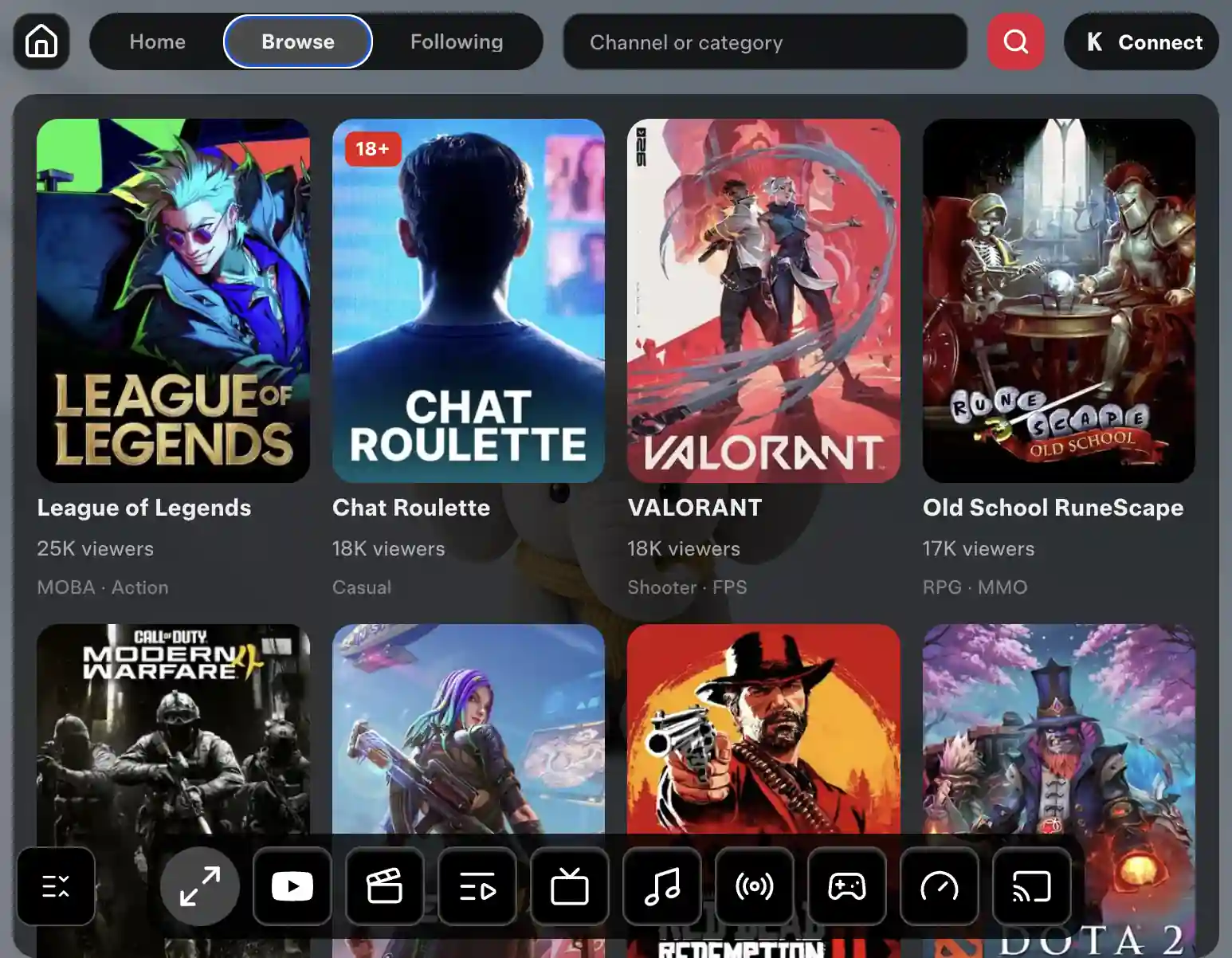
Browse Kick by category and open any live stream on the Tesla display.Live chat
Read and follow the Kick chat next to the stream on the same screen.In motion
With Pro the stream stays on the screen while the car is moving. Followed streamers show up when they go live.Nothing to install
Kick opens inside CyberDash in Tesla’s native browser. No extra device in the car.
How Kick in Tesla works
- 1Open CyberDash
In the car, open Tesla’s native browser, go to cyberdash.net and sign in. Kick is on the CyberDash dashboard next to Twitch and the other apps — there is nothing to install.
- 2Find a Kick stream
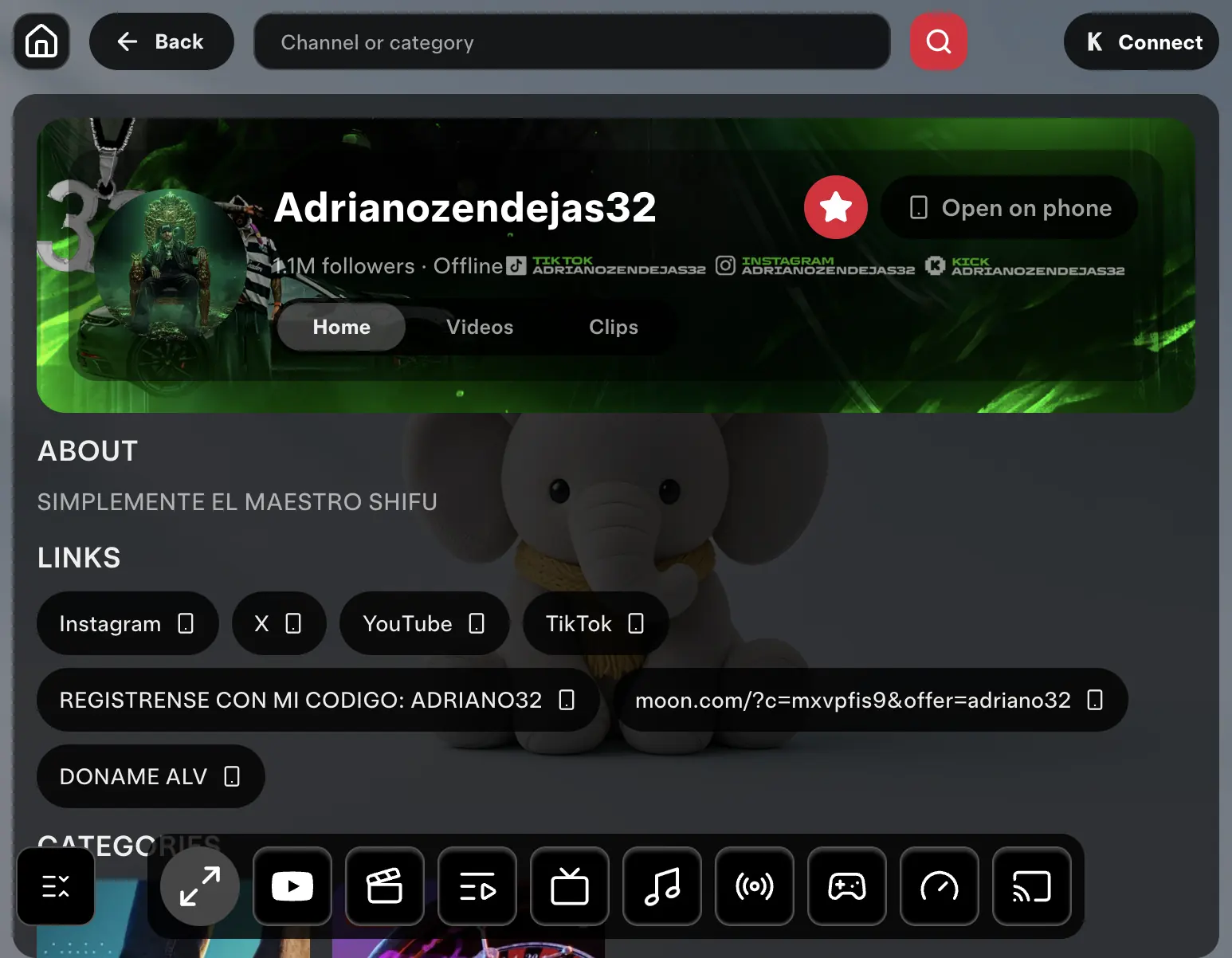
Open Kick, pick a category or a streamer you follow and start the live stream. The chat stays beside the video. Past broadcasts, if the streamer keeps them, are in that streamer’s video section.
- 3Watch on the road
With Pro the Kick stream keeps playing after you drive off. Passengers watch; the driver watches the road. Watching video while driving is unsafe.
FAQ: Kick in Tesla
How do I watch Kick in my Tesla?
Open cyberdash.net in Tesla’s native browser, sign in and tap Kick on the dashboard. Pick a category or a streamer and the live stream plays on the Tesla screen.
Does Kick work in motion?
Yes, with CyberDash Pro. The stream can stay on the screen while the car moves. Video in motion is for passengers only — the driver keeps their eyes on the road.
Is the Kick chat available?
Yes. The chat runs next to the stream on the same screen, and followed streamers appear when they go live, with a live indicator and the viewer count.
How is Kick different from Twitch in CyberDash?
Both work the same way in CyberDash: categories, live streams, chat and followed channels. The streamers and platform rules are different. Both apps are on the same dashboard.
What do I need in the car?
A Tesla with the native browser and an internet connection. No Fire Stick, HDMI box or jailbreak. The car is not modified and the warranty is not affected.
Your Kick streams in the car start tonight.
Try CyberDash 24 hours free, then Pro for Kick in motion
24 hours free. Then from $8.33/mo.